
-
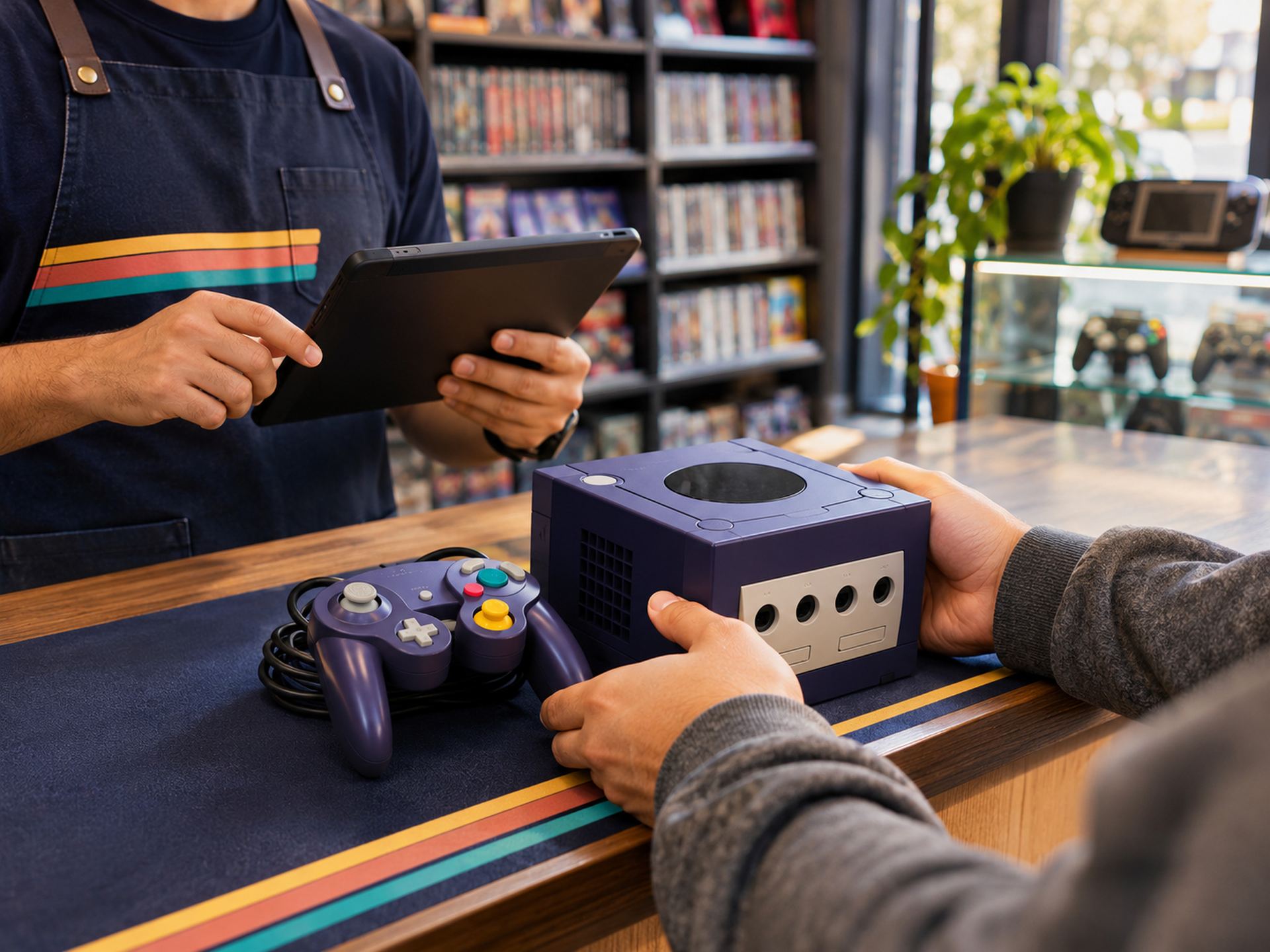
Buy it at the counter.
A customer walks in with an Indigo GameCube, one controller, no cables. You record the seller, the model and what you paid.
Paid (store credit) −$45.00
-
Grade it honestly.
It powers on, the disc lid sticks and the laser skips. Graded "Good — needs repair", with the serial number on file.
-
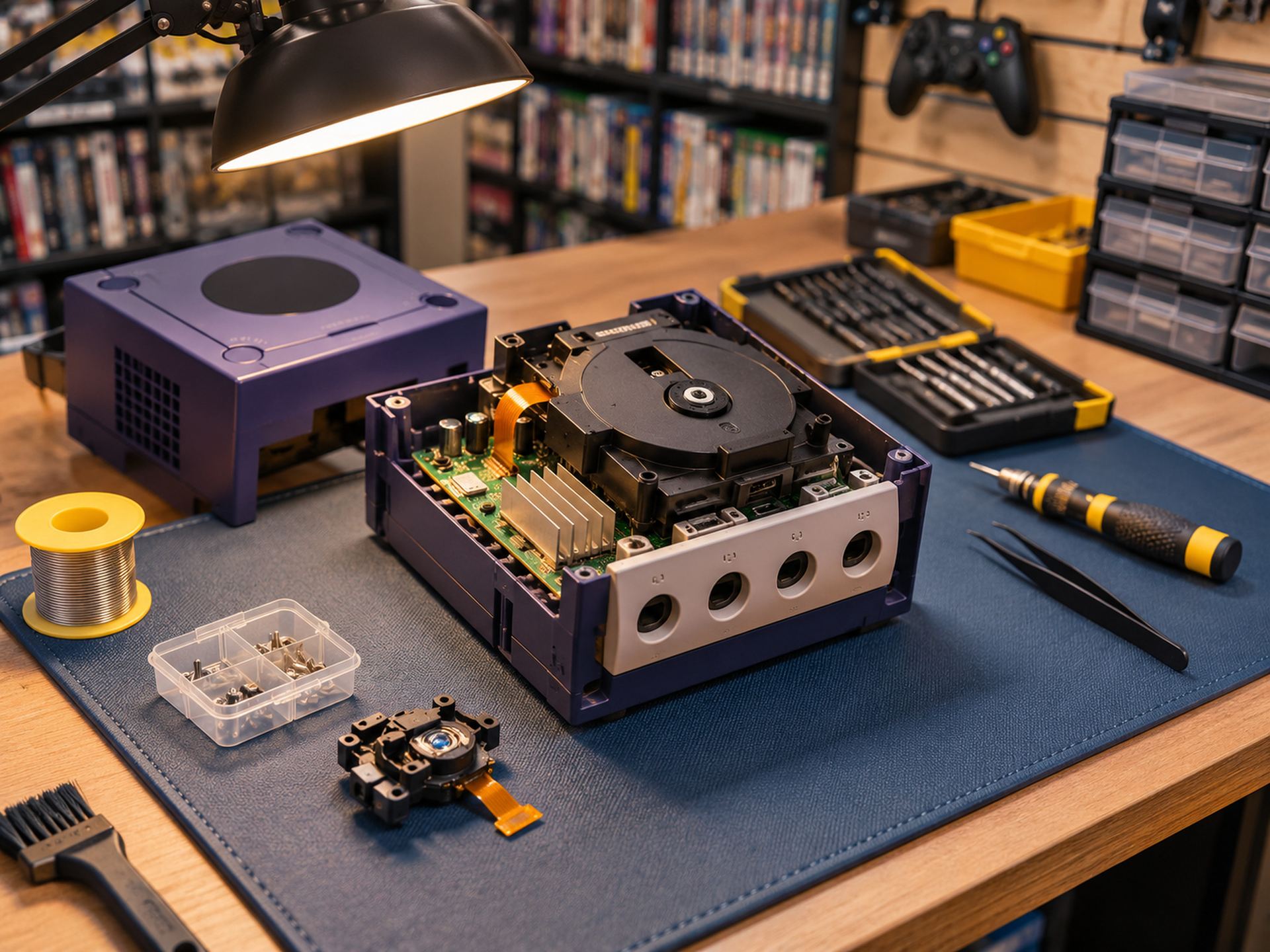
Fix it, and count the cost.
Your tech swaps the laser and cleans the lid. The part and 30 minutes of labor land on this unit — not in a shoebox of receipts.
Laser + labor −$22.00
-
Price it and put it out.
Bundled with an AV cable, priced at $139 and listed in store and online from the same record.
-
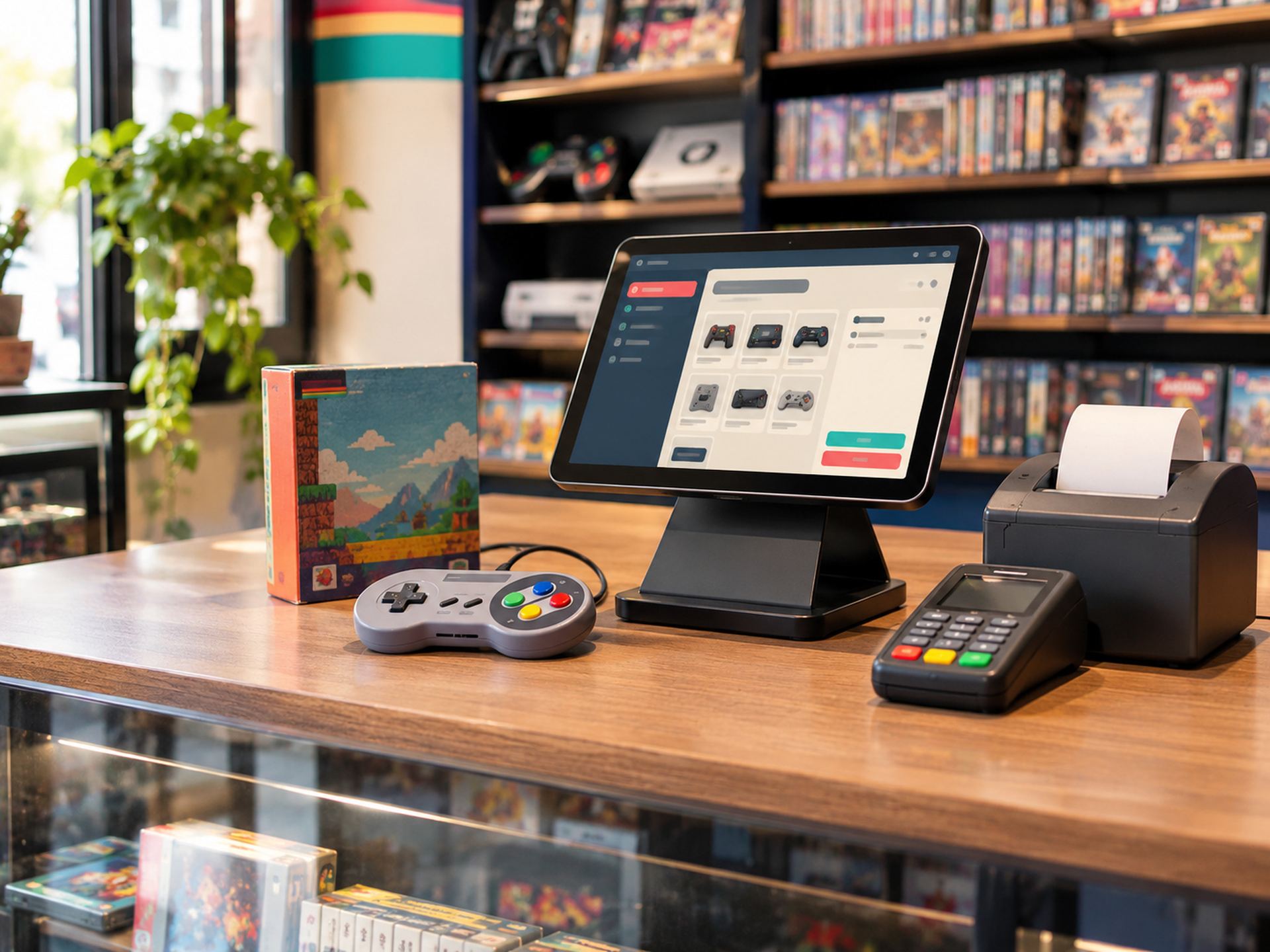
Sell it in 9 days.
A collector buys it at the register. The unit leaves inventory everywhere at once.
Sold +$139.00
-
Know what you made.
$72 gross profit, 52% margin, 9 days on the shelf. Now you know what to offer for the next one.
How it works
Every console has a story. Now it has numbers.
A regular POS only handles the final sale. RetroGameOps follows each item from the moment it walks in the door to the profit it leaves behind.
Acquire → Evaluate → Repair → List → Sell → Analyze
One used GameCube, start to finish.
Example figures are illustrative.
The difference
A generic POS vs. a game store OS.
Generic POS RetroGameOps
Sees the sale Sees the purchase, the repair and the sale
One SKU, many identical items Every used unit is its own record
One cost per product What you paid for that unit + what you put into it
Repairs live in a notebook Repair tickets with parts and labor
Margin is a guess Margin calculated per unit
Press start
See it with your own store in mind.
A 30-minute walkthrough built around how you buy, fix and sell. No slides about synergy — just your counter, your back room and your shelf.